On-call scheduling and incident response for engineering teams

OpsDuty routes every alert to the right on-call engineer, escalates automatically when nobody responds, and keeps your team accountable after the incident.

No credit card required • Free tier for small teams
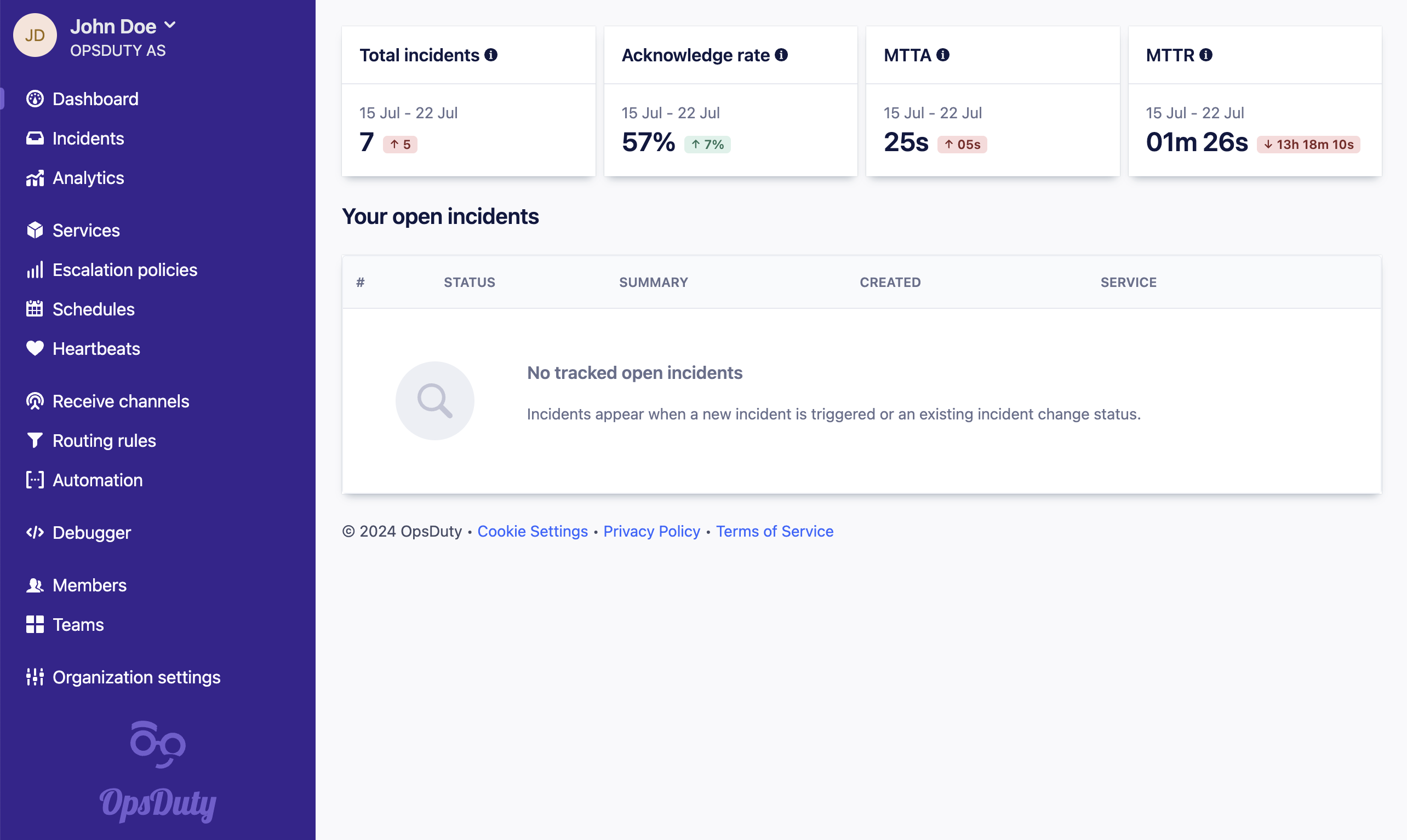
The OpsDuty incident dashboard listing active incidents with their severity, the responder currently on call, and the escalation status of each incident.
Why OpsDuty

Incidents are won or lost in the first five minutes

Getting the right person on the problem quickly is what separates a short blip from an outage. OpsDuty makes that path deliberate instead of accidental.

Nothing lands on the wrong person

Routing rules match each incoming event against your own conditions and send it to the service that owns it, so alerts reach the team that can actually fix them.

Nothing gets silently dropped

If the first responder does not acknowledge in time, the escalation policy moves on to the next person automatically, across email, SMS, push, and phone calls.

Nothing is forgotten afterwards

Every incident keeps a full timeline of events, notifications, and notes, so the follow-up conversation is grounded in what actually happened.

Features

Everything you need to run on-call

From the first signal through to the post-incident review, in one place.

On-call scheduling

Build rotations from layers, with recurring shifts, rolling handovers, and per-person overrides when somebody swaps a weekend. Everyone sees the schedule in their own timezone.

Alerting and escalation

Escalation policies decide who is notified, how, and how long they get to respond before the alert moves on. Notifications go out over email, SMS, mobile push, and phone calls.

Heartbeat monitoring

Cron jobs and batch pipelines check in with OpsDuty on a schedule. When a check-in is missed, you get an incident instead of finding out days later that the job stopped running.

Live call routing

Give customers or partners a phone number that always reaches whoever is on call right now, with the call forwarded straight to them and logged against the incident.

Works with what you have

Receive events by webhook or email from any monitoring system, and parse the payload yourself with templates. Acknowledge and resolve incidents from Slack without leaving the channel.

Analytics and status pages

Track response and resolution times over time to see whether on-call is actually getting better, and keep customers informed with a public status page.

Integrations

Connect the tools you already run

OpsDuty does not need you to replace your monitoring stack. Anything that can send a webhook or an email can open an incident, and you control how the payload is read.

Start free

Slack

Incidents mirrored into channels, acknowledged and resolved with slash commands.

Webhooks

Ingest events from any system, and send outgoing webhooks to your own services.

Email

Give any alerting tool an address and turn its mail into structured incidents.

API and mobile

A documented REST API with OAuth2 tokens, plus mobile apps with push notifications.

Pricing

Simple per-seat pricing

Start on the free tier with no credit card. Upgrade when your team outgrows it.

Free

0 To try things out

Includes

  • 3 seats
  • 1 routing rule
  • 1 incoming call number
  • 10 incidents per 30 days
  • 50 events per 30 days
  • Keep incidents for 7 days
Start free

Starter

9 Per seat per month

Includes

  • 1 routing rule
  • 1 incoming call number
  • 200 incidents per month
  • 1000 events per month
  • Keep incidents for 6 months
Get started
Recommended

Standard

17 Per seat per month

Includes

  • 3 routing rules
  • 5 incoming call numbers
  • SSO and SCIM2 provisioning
  • Unlimited stakeholder accounts
  • Unlimited incidents and events
  • Keep incidents for 5 years
Get started

Enterprise

Custom Talk to us

Includes

  • Everything in Standard
  • Unlimited routing rules
  • Unlimited incoming call numbers
  • 24/7 support
Contact us
FAQ

Common questions

Do I need a credit card to try OpsDuty?

No. The free tier lets you create an organization, set up a schedule, and receive real incidents without entering payment details. You only add a card when you move to a paid plan.

How does OpsDuty notify people?

Over email, SMS, mobile push notifications, and automated phone calls. Each person sets their own notification policy, so you can escalate from a quiet channel to a loud one as an incident ages.

Can I connect my existing monitoring tools?

Yes. Anything that can send a webhook or an email can create incidents in OpsDuty. Incoming payloads are parsed with templates you control, so you decide which fields become the summary, severity, and deduplication key.

What is heartbeat monitoring for?

It catches the jobs that fail by not running at all. Your cron job or batch pipeline pings OpsDuty each time it completes, and if an expected check-in does not arrive, OpsDuty opens an incident.

Does OpsDuty support SSO?

Yes. SAML2 single sign-on and SCIM2 user provisioning are available on the Standard and Enterprise plans, so accounts can be managed from your existing identity provider.

Can people outside the engineering team follow an incident?

Yes. Stakeholder accounts give non-responders visibility without a full seat, and public status pages let you communicate with customers during an outage.

Put someone on call in the next ten minutes

Create an organization, add a schedule, and point your first alert at OpsDuty. The free tier is enough to see the whole flow end to end.

Start free